One library. Your sources.
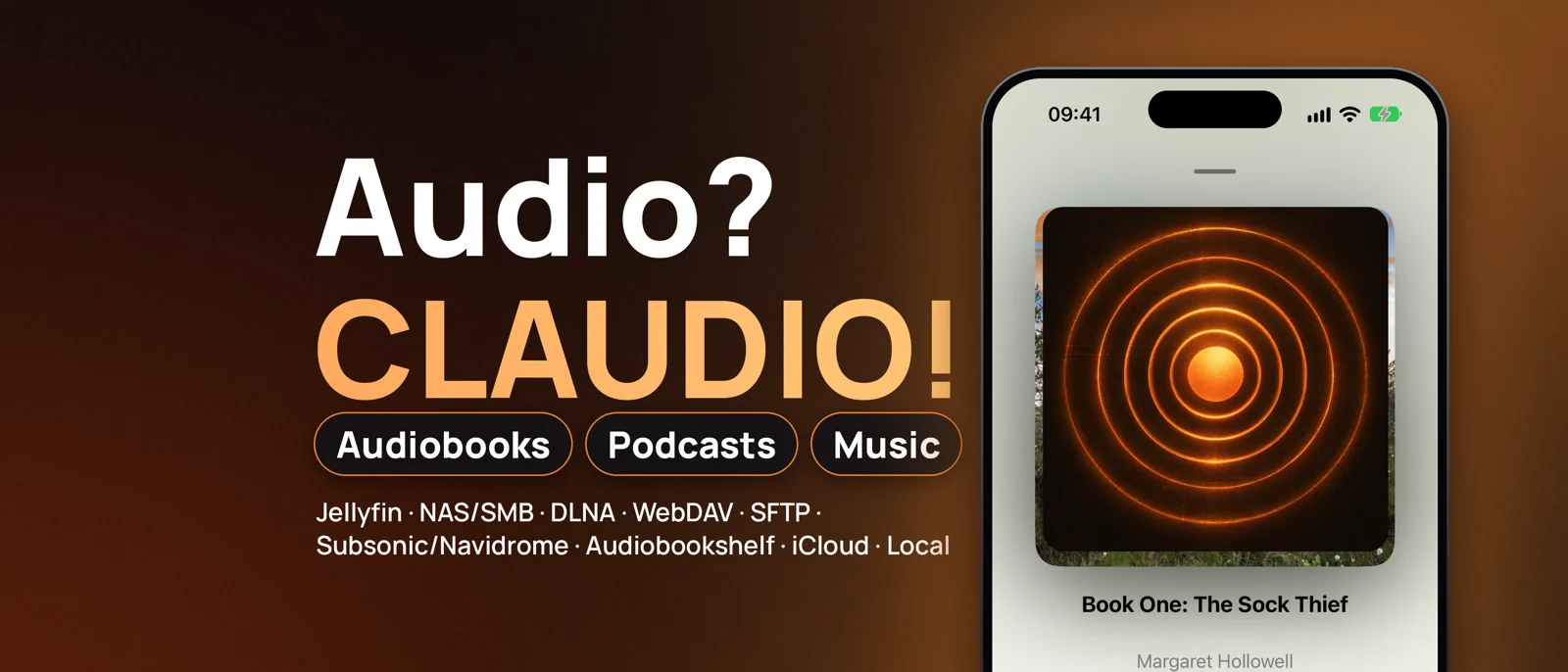
Local files, iCloud Drive and RSS podcasts. Ultra adds SMB/NAS, Navidrome, Jellyfin, Audiobookshelf, WebDAV, SFTP and DLNA.
SourcesThe audiobook on your NAS. The albums on Navidrome. Your favourite podcast. CLAUDIO brings together what you want to hear. On iPhone, iPad and Mac.
No account. No ads. Start listening to your own files for free.

Local files, iCloud Drive and RSS podcasts. Ultra adds SMB/NAS, Navidrome, Jellyfin, Audiobookshelf, WebDAV, SFTP and DLNA.
SourcesM4B and MP3 chapters, smart rewind, speed and silence trimming. Chapter-end sleep timer, Knock to Resume on iPhone/iPad and ten background sounds.
Audiobooks10-band EQ and AutoEq for more than 6,000 headphones, ReplayGain, gapless and crossfade. Plus LP Mode, Album Wall, lyrics and scrobbling.
MusicTranscripts are created on-device. For fully downloaded audiobooks and podcasts in supported languages; unverified on Mac.
On-device read-alongPodcast downloads with Pro. Server and iCloud pinning, CarPlay and casting with Ultra. CarPlay and casting use eligible local or downloaded content.
Offline cache & pinningNo CLAUDIO account. Usage data only with consent. Pro and Pro+ are one-time purchases; Pro+ permanently includes Pro and Ultra and supports Family Sharing.
PricingMusic, audiobooks and podcasts in one app. The first @makesapps spot shows you the idea.
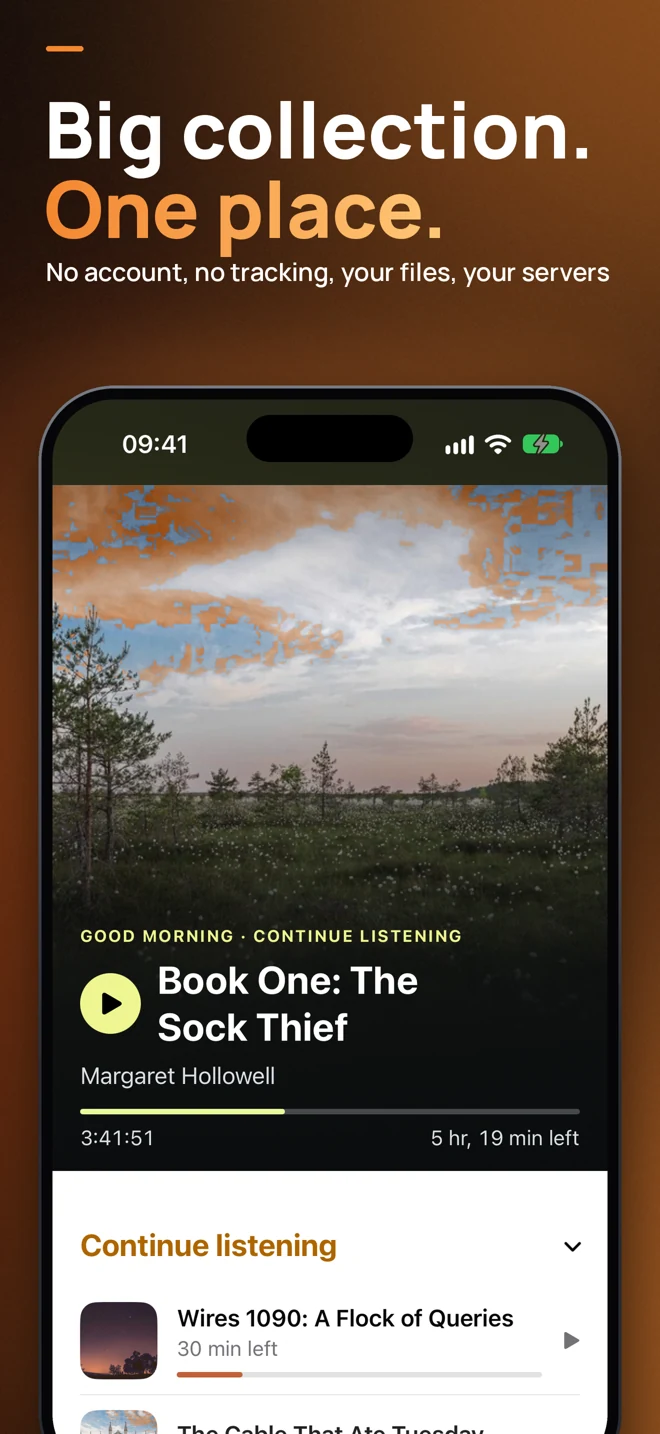
Home shows your current audiobook and recommendations. Collapse sections or dismiss suggestions. The mini player shows progress as a ring; iPad and Mac use a two-column layout.
English spot with German app screens. Music, no spoken content.
Explore the playerThe 14-second spot moves between music, audiobook and podcast screens, then names Jellyfin, Navidrome, Audiobookshelf, iCloud and network servers as sources and ends with CLAUDIO: Audiobooks & Music. On-screen copy is in English and the app screens are in German.
Find a chapter, fall asleep at its end and ease back into the sentence after a break.
Find out more: AudiobooksOne more chapter. Then goodnight.
Connect Navidrome, put an album on and tune the sound to your headphones.
Find out more: MusicYour headphones. Your curve.
Find shows, take episodes offline and skip a set amount at the start or end.
Find out more: PodcastsDownloaded episode · Pro
The next episode comes with you.
You have already built your library. Connect your server instead of moving everything again. Bring your local files, iCloud Drive and podcasts along.
Explore every sourceServer playback requires Ultra or Pro+. Local files, iCloud Drive and two podcast subscriptions are free.
Your downloads do not. Download server tracks with Ultra or podcast episodes with Pro before you leave.
With Pro, iCloud Sync keeps subscriptions, lists and playback positions in step. Supported servers sync progress directly.
Widgets & Control CenterPro is a one-time purchase for listening features. Pro+ permanently adds every Ultra feature.
Explore plansNo CLAUDIO account. No ads. Your library stays on your device and, if you enable iCloud Sync, in your private iCloud. Usage data is sent only with your permission.
Why usage data? How CLAUDIO handles your data★★★★★
Für mich die beste Audio-App
Die App hat für mich einfach alles was man als HomeLab-Besitzer braucht. Anbindung an Jellyfin oder direkt an den NAS. Zudem noch kleine quality of life features (sleep timer, knocking function zum weitermachen). Seitdem auch noch Podcasts dabei sind ist es perfekt.
★★★★★
Super appli !
Franchement, j’adore Claudio ! L’appli est vraiment pratique et offre pas mal de possibilités. On peut héberger ses propres fichiers audio ou simplement écouter les podcasts disponibles dans l’appli. Le son est excellent, l’interface est claire et agréable à utiliser. Rien à redire pour le moment !
Un gros plus aussi pour le développeur, qui est très sympa, réactif et à l’écoute des suggestions.
Je recommande sans hésiter à tous ceux qui aiment les podcasts et les applis audio !
★★★★★
Just what I needed
Great little app. Does everything I need it to and the developer is super helpful if you have any issues.
★★★★★
Good soup
Lovely app, does all you need, can absolutely recommend (navidrome user)
★★★★★
Great app!
Great app for self-hosting. I looked far and wide for an app that had audiobooks, podcasts and music and this one is exactly what I was looking for. The developer is also very friendly and open to feedback/suggestions.
★★★★★
🔝
Applicazione fantastica e di qualità
★★★☆☆
Ich weiß nicht
Etwas durchwachsen, habe mal die Pro gekauft um dann festzustellen, daß mein Musicfolder auf dem Syno mit einem Fehler den Scan abgebrochen hat.
CarPlay nur im Abo.
Denke das war ein Griff ins Klo.
Infuse , VLC kann das.
Start with your own files. For free.